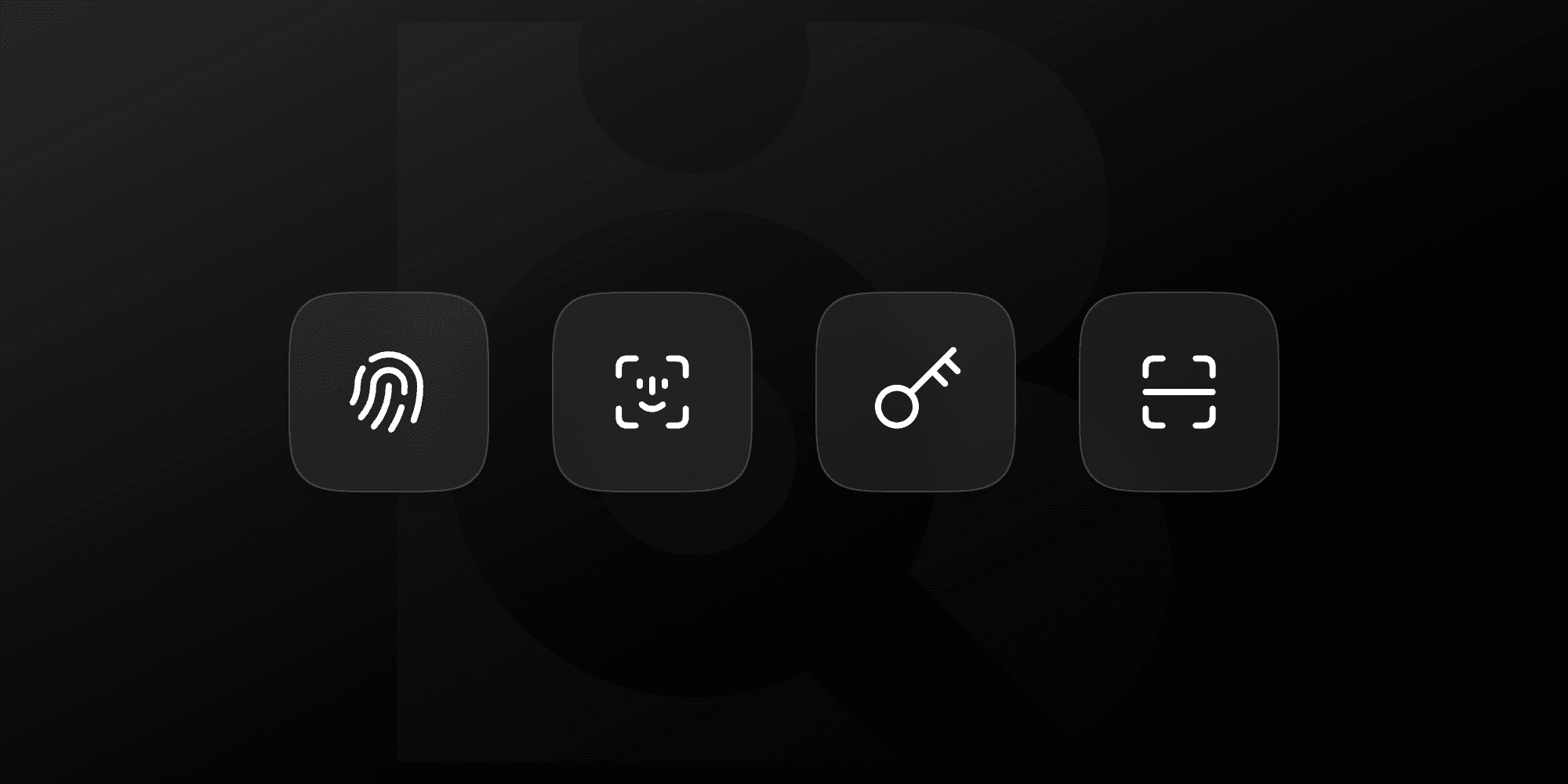
You can now log in to Backrow using passkeys. Instead of remembering and typing one, you unlock your account with the same thing you already use to unlock your device — your fingerprint, your face, your screen lock, or a hardware security key. They are supported across all major browsers, operating systems, and password managers like 1Password.
Manage passkeys
Open your Account / Security & access settings and find the new Passkeys section.
Give your passkey a name you'll recognize — like MacBook Pro or iPhone.
Click Add passkey and follow your browser's prompt to confirm with Touch ID, Face ID, your screen lock, or a security key.
We'll email you whenever a new passkey is added to your account, so a passkey can never be set up without your knowledge.
Signing in with a passkey
On the login screen, click Sign in with a passkey, choose your passkey, and confirm with your device. That's it — no email or password required. If your browser doesn't support passkeys, you can still sign in with your email and password as usual.